mirror of
https://github.com/LGUG2Z/komorebi.git
synced 2026-09-04 00:47:23 +02:00
White flash when switching virtual workspaces #77
Assignees
 adam (Adam Melkus)
Clear assignees
adam (Adam Melkus)
No Assignees
Notifications
Due Date
No due date set.
Dependencies
No dependencies set.
Reference: starred/komorebi#77
Reference in New Issue
Block a user
Originally created by @NylonDiamond on GitHub (Feb 12, 2022).
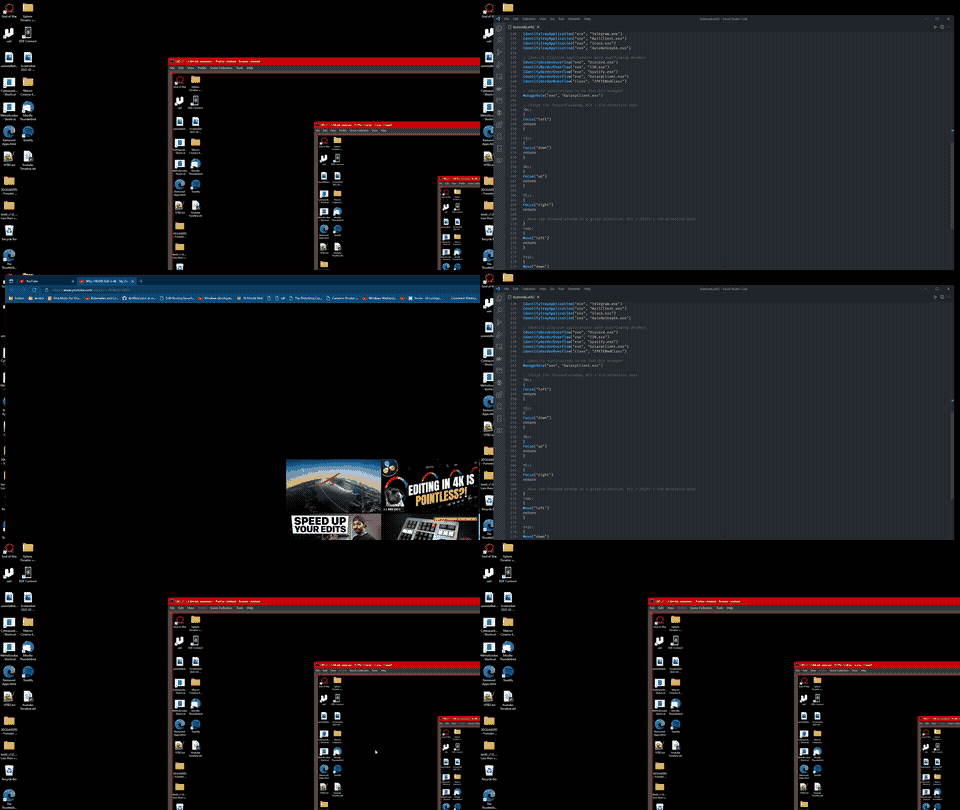
I'm not sure if it's just me or if it is just how this application works. When I switch to the next/previous virtual workspace, the open windows make a quick bright white flash. It seems only certain windows do this, ex: Edge or Explorer. I'm using a very bright monitor and it's blinding for me. I'm wondering if there is a setting to fix this. Any help would be much appreciated! Thank
@LGUG2Z commented on GitHub (Feb 14, 2022):
I've been trying to replicate this behaviour locally (W10) with the same applications (VSCode and Edge as the only applications on separate workspaces) but I have not been able to. It looks like from the gif that you might have
komorebic window-hiding-behaviour hideset, can you try withminimizeas well?From experience I'm tempted to say that this is an Electron rendering issue, with a rerender being run whenever the window un-hidden. If this is the case, switching to the
minimizesetting should help with this. If not, let's try to dig into this some more. 👌@NylonDiamond commented on GitHub (Feb 14, 2022):
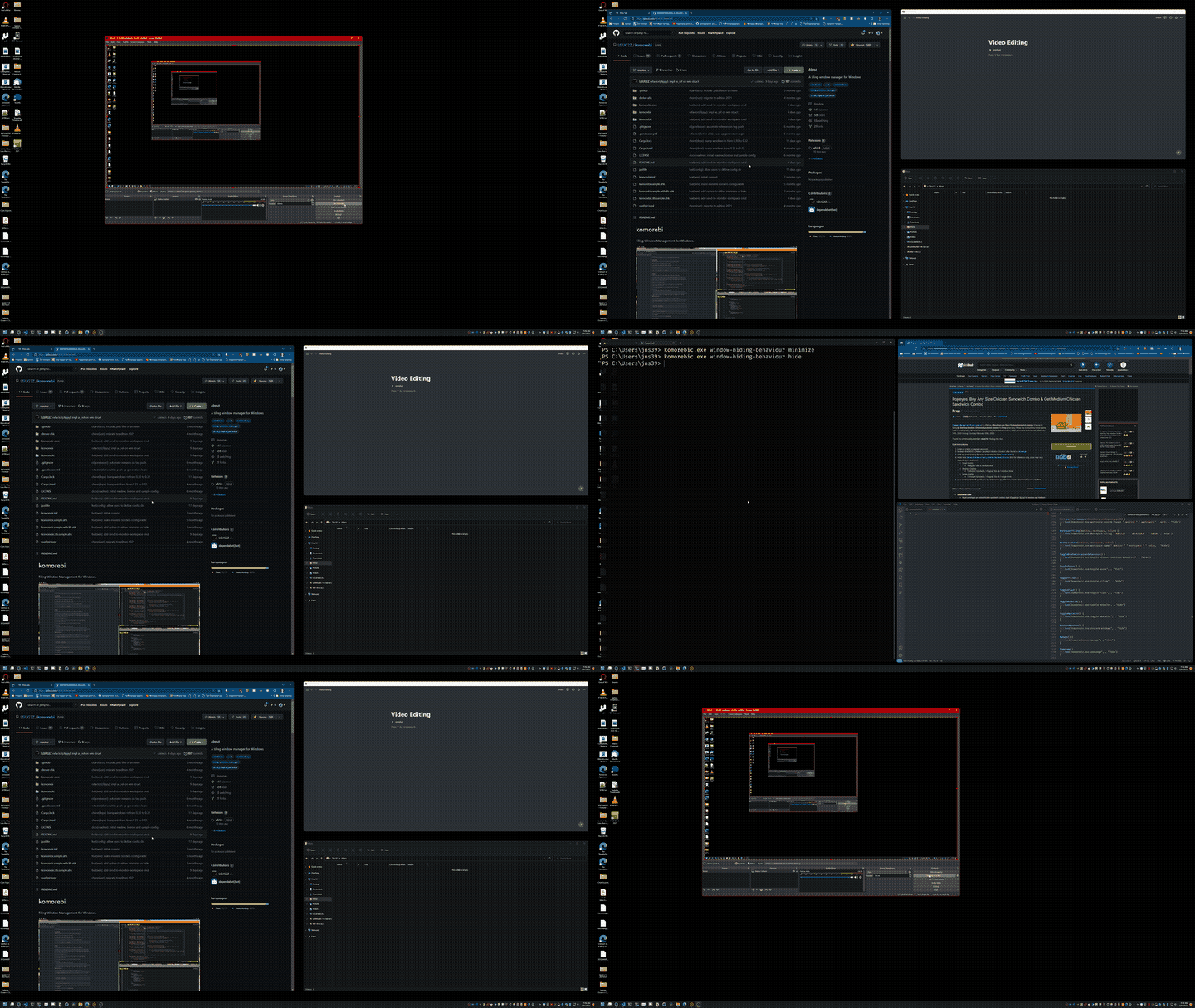
It tried minimize and hide. It seems hide is better for avoiding the white flash. When I use hide, edge stops flashing but explorer still flashes. I'm not sure why explorer is doing that but I can probably live with it if it's only explorer. Are there any negatives to using hide vs minimize? I assume those are the only two options. Thanks
@LGUG2Z commented on GitHub (Feb 12, 2023):
@NylonDiamond Check out this commit, just set
window-hiding-behaviourtocloak: https://github.com/LGUG2Z/komorebi/commit/80c98596dd2cb4e28666e49c753ffc7e5137e09e