[BUG]: Active Window Border Focus incorrect on stacking / unstacking #194

Closed
opened 2026-01-05 14:48:54 +01:00 by adam · 3 comments
Owner

Originally created by @AlexRumak on GitHub (Apr 15, 2023).

Describe the bug
Borders are not accurate after unstacking, or stacking windows. Specifically, with these lines uncommented in the default komorebi.ps1 file:
komorebic active-window-border-colour 66 165 245 --window-kind single
komorebic active-window-border-colour 256 165 66 --window-kind stack
komorebic active-window-border enable

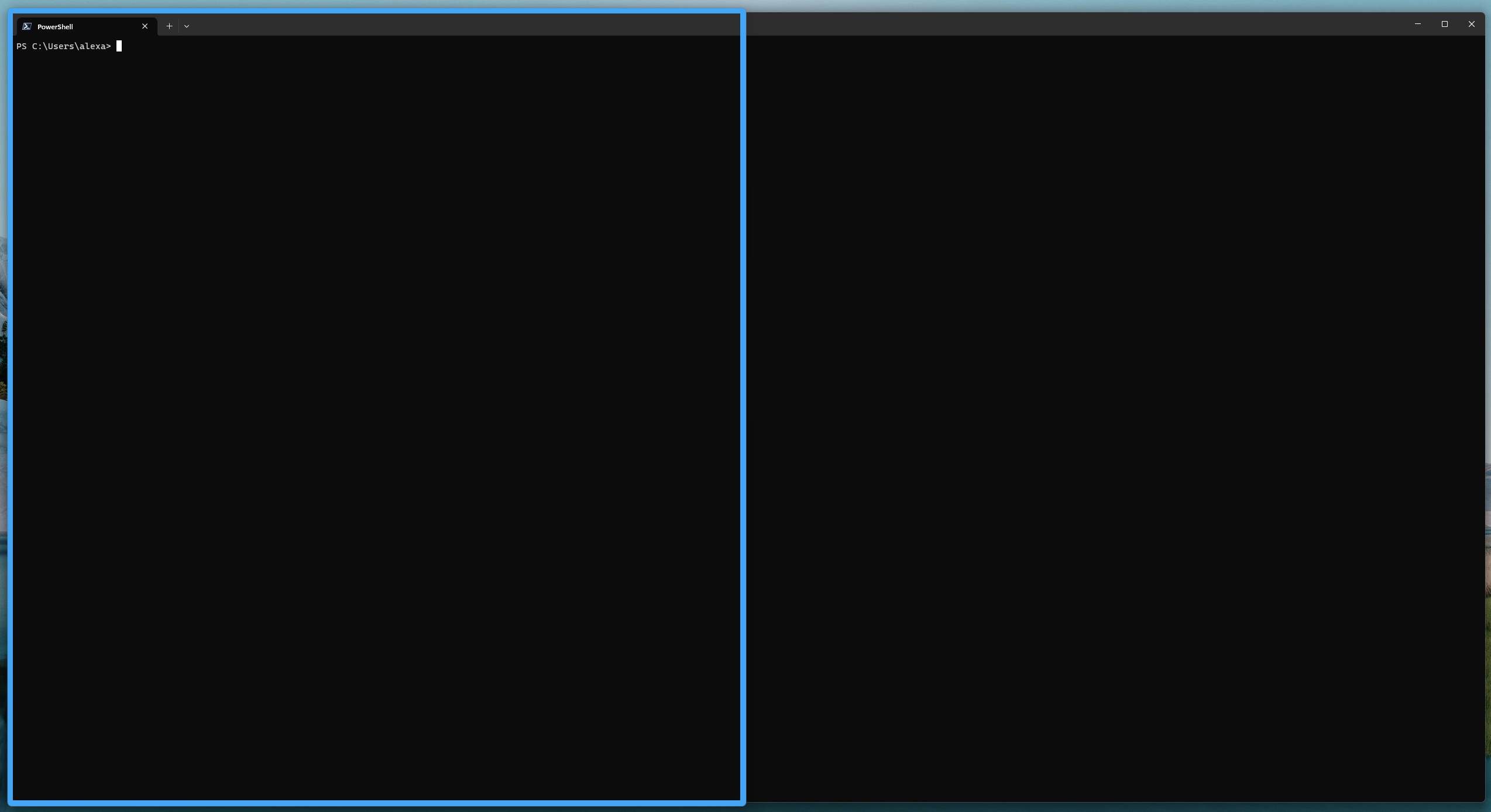
When you stack or unstack, the border remains for the previous focus, while it should refocus.

To Reproduce
Steps to reproduce the behavior:

  1. Uncomment the active border comments or enable active-window-border and colour
  2. Have two windows side by side
  3. Stack the windows - the border will now be in the middle of the stacked window
  4. Unstack the windows, the border will now be in the entire screen

Expected behavior
I expect teh focus to accurately match the end result of stacking / unstacking without having to refocus.

Screenshots and Videos
image

and

image

Operating System
OS Name: Microsoft Windows 11 Pro
OS Version: 10.0.22621 N/A Build 22621

Additional context
Add any other context about the problem here.

In particular, if you have any other AHK scripts or software running that handle any aspect of window management or manipulation

Originally created by @AlexRumak on GitHub (Apr 15, 2023). **Describe the bug** Borders are not accurate after unstacking, or stacking windows. Specifically, with these lines uncommented in the default `komorebi.ps1` file: komorebic active-window-border-colour 66 165 245 --window-kind single komorebic active-window-border-colour 256 165 66 --window-kind stack komorebic active-window-border enable When you stack or unstack, the border remains for the previous focus, while it should refocus. **To Reproduce** Steps to reproduce the behavior: 1. Uncomment the active border comments or enable active-window-border and colour 2. Have two windows side by side 3. Stack the windows - the border will now be in the middle of the stacked window 4. Unstack the windows, the border will now be in the entire screen **Expected behavior** I expect teh focus to accurately match the end result of stacking / unstacking without having to refocus. **Screenshots and Videos** ![image](https://user-images.githubusercontent.com/18019974/232180240-086e0bd6-ff50-498d-85ec-82b82dcbf59b.png) and ![image](https://user-images.githubusercontent.com/18019974/232180261-0543e6d8-0253-4aca-8b75-67901e81dfc0.png) **Operating System** OS Name: Microsoft Windows 11 Pro OS Version: 10.0.22621 N/A Build 22621 **Additional context** Add any other context about the problem here. In particular, if you have any other AHK scripts or software running that handle any aspect of window management or manipulation
adam added the bug label 2026-01-05 14:48:54 +01:00
adam closed this issue 2026-01-05 14:48:54 +01:00
Author
Owner

@LGUG2Z commented on GitHub (Apr 16, 2023):

I don't use the stacking feature much, I will play around with this next time I'm using Windows and try to reproduce and propose a fix. 👌

@LGUG2Z commented on GitHub (Apr 16, 2023): I don't use the stacking feature much, I will play around with this next time I'm using Windows and try to reproduce and propose a fix. :ok_hand:
Author
Owner

@LGUG2Z commented on GitHub (Apr 16, 2023):

Reproduced and fixed ^

@LGUG2Z commented on GitHub (Apr 16, 2023): Reproduced and fixed ^
Author
Owner

@AlexRumak commented on GitHub (Apr 16, 2023):

That was fast! Thanks!

@AlexRumak commented on GitHub (Apr 16, 2023): That was fast! Thanks!
Sign in to join this conversation.
1 Participants
Notifications
Due Date
No due date set.
Dependencies

No dependencies set.

Reference: starred/komorebi#194