I do get a boot screen and select to install, but afterwards I get stuck:
1 CPU has 100% utilization, but nothing happens. If I do not set CPU_STRING, everything is fine and the installer starts.
Originally created by @lexxxel on GitHub (Jan 27, 2022).
If `CPU_STRING` is set [like explained](https://github.com/sickcodes/Docker-OSX#use-more-cpu-coressmp) neither Big Sur or Monterey installations are starting.
```
docker run -it \
--device /dev/kvm\
-p 50924:10022 \
-v /tmp/.X11-unix:/tmp/.X11-unix\
-e "DISPLAY=${DISPLAY:-:0.0}" \
-e GENERATE_UNIQUE=true \
-e MASTER_PLIST_URL='https://raw.githubusercontent.com/sickcodes/osx-serial-generator/master/config-custom.plist' \
-e CPU_STRING=$(nproc) \
sickcodes/docker-osx:monterey
```
I do get a boot screen and select to install, but afterwards I get stuck:

1 CPU has 100% utilization, but nothing happens. If I do not set `CPU_STRING`, everything is fine and the installer starts.
Same behavior here.
Also, when setting CPU and SMP parameters with values other than 4, I get stuck on the same step.
It runs successfully with:
SMP=4 / CORES=4
Without setting SMP / CORES
It gets stuck with:
SMP=6 / CORES=6
SMP=2 / CORES=2
@felipestt commented on GitHub (Jan 28, 2022):
Same behavior here.
Also, when setting `CPU` and `SMP` parameters with values other than `4`, I get stuck on the same step.
It runs successfully with:
- SMP=4 / CORES=4
- Without setting SMP / CORES
It gets stuck with:
- SMP=6 / CORES=6
- SMP=2 / CORES=2
I figured out, it works with 8 and 16, but nothing in between. Is this a strange formula think that I can't see?
@lexxxel commented on GitHub (Jan 28, 2022):
I figured out, it works with 8 and 16, but nothing in between. Is this a strange formula think that I can't see?
According to this, macOS only supports power-of-two cores.
But you can increase the number of sockets to get the virtual cores you need.
If you need 6 cores, go with:
-e EXTRA='-smp 6,sockets=3,cores=2'
@felipestt commented on GitHub (Feb 10, 2022):
According to [this](https://github.com/foxlet/macOS-Simple-KVM/issues/319#issuecomment-1003775896), macOS only supports power-of-two cores.
But you can increase the number of sockets to get the virtual cores you need.
If you need 6 cores, go with:
```
-e EXTRA='-smp 6,sockets=3,cores=2'
```
Blocking a user prevents them from interacting with repositories, such as opening or commenting on pull requests or issues. Learn more about blocking a user.
Originally created by @lexxxel on GitHub (Jan 27, 2022).
If
CPU_STRINGis set like explained neither Big Sur or Monterey installations are starting.I do get a boot screen and select to install, but afterwards I get stuck:
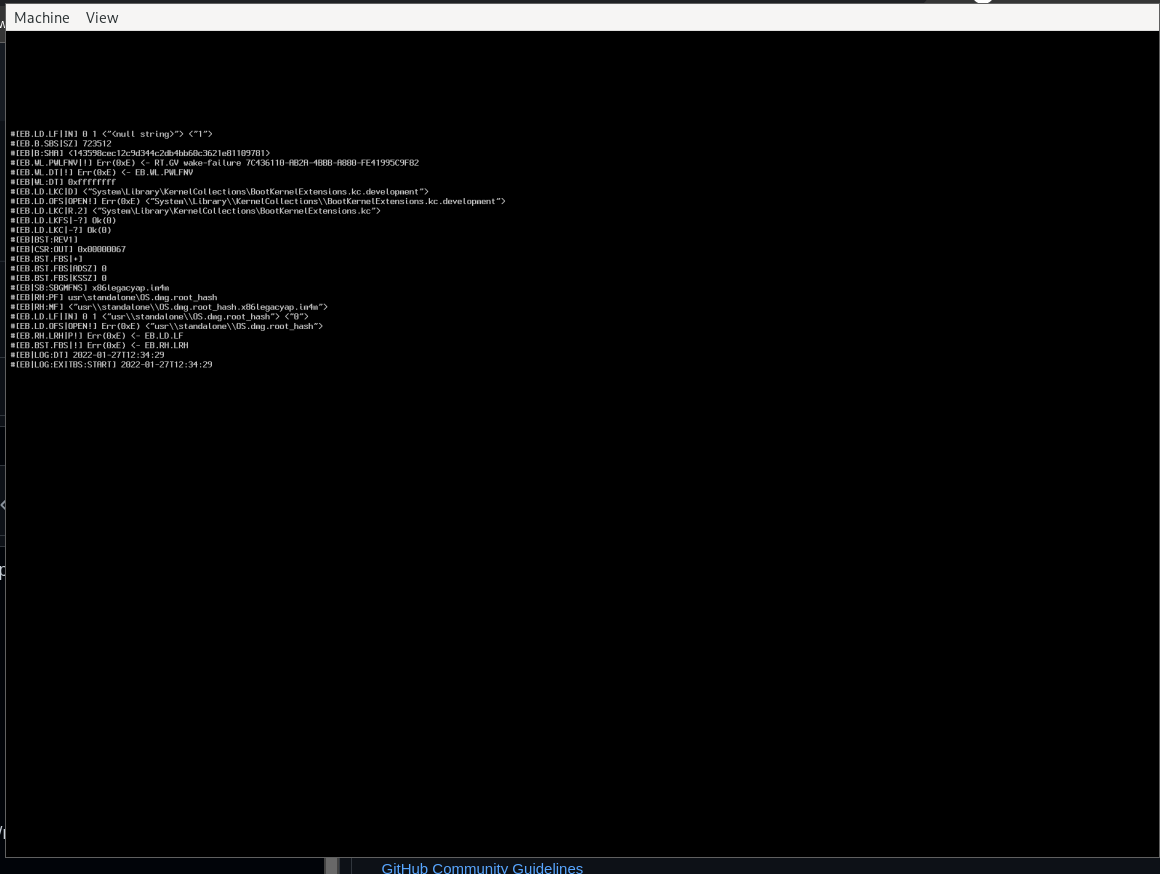
1 CPU has 100% utilization, but nothing happens. If I do not set
CPU_STRING, everything is fine and the installer starts.@felipestt commented on GitHub (Jan 28, 2022):
Same behavior here.
Also, when setting
CPUandSMPparameters with values other than4, I get stuck on the same step.It runs successfully with:
It gets stuck with:
@lexxxel commented on GitHub (Jan 28, 2022):
I figured out, it works with 8 and 16, but nothing in between. Is this a strange formula think that I can't see?
@felipestt commented on GitHub (Feb 10, 2022):
According to this, macOS only supports power-of-two cores.
But you can increase the number of sockets to get the virtual cores you need.
If you need 6 cores, go with:
@lexxxel commented on GitHub (Feb 17, 2022):
@felipestt thank you so much, that worked
@sickcodes commented on GitHub (Feb 19, 2022):
If anyone feels like expanding on the CPU arrangement in the README feel free to submit a PR! :)
@sickcodes commented on GitHub (Mar 19, 2022):
Confirmed this is wrong and thankyou @felipestt for bringing this up