mirror of
https://github.com/JohnEstropia/CoreStore.git
synced 2026-09-17 15:21:30 +02:00
Corrupt database handling #317
Assignees
 adam (Adam Melkus)
Clear assignees
adam (Adam Melkus)
No Assignees
Notifications
Due Date
No due date set.
Dependencies
No dependencies set.
Reference: starred/CoreStore#317
Reference in New Issue
Block a user
Originally created by @iby on GitHub (Mar 19, 2020).
I came across a few cases in the past when the app would crash due to messed up database. Decided to test this today and not sure if Core Store handles it properly.
In first scenario I've opened the database file with a hex editor and replaced some non-empty data chunks with zeros. This would result in
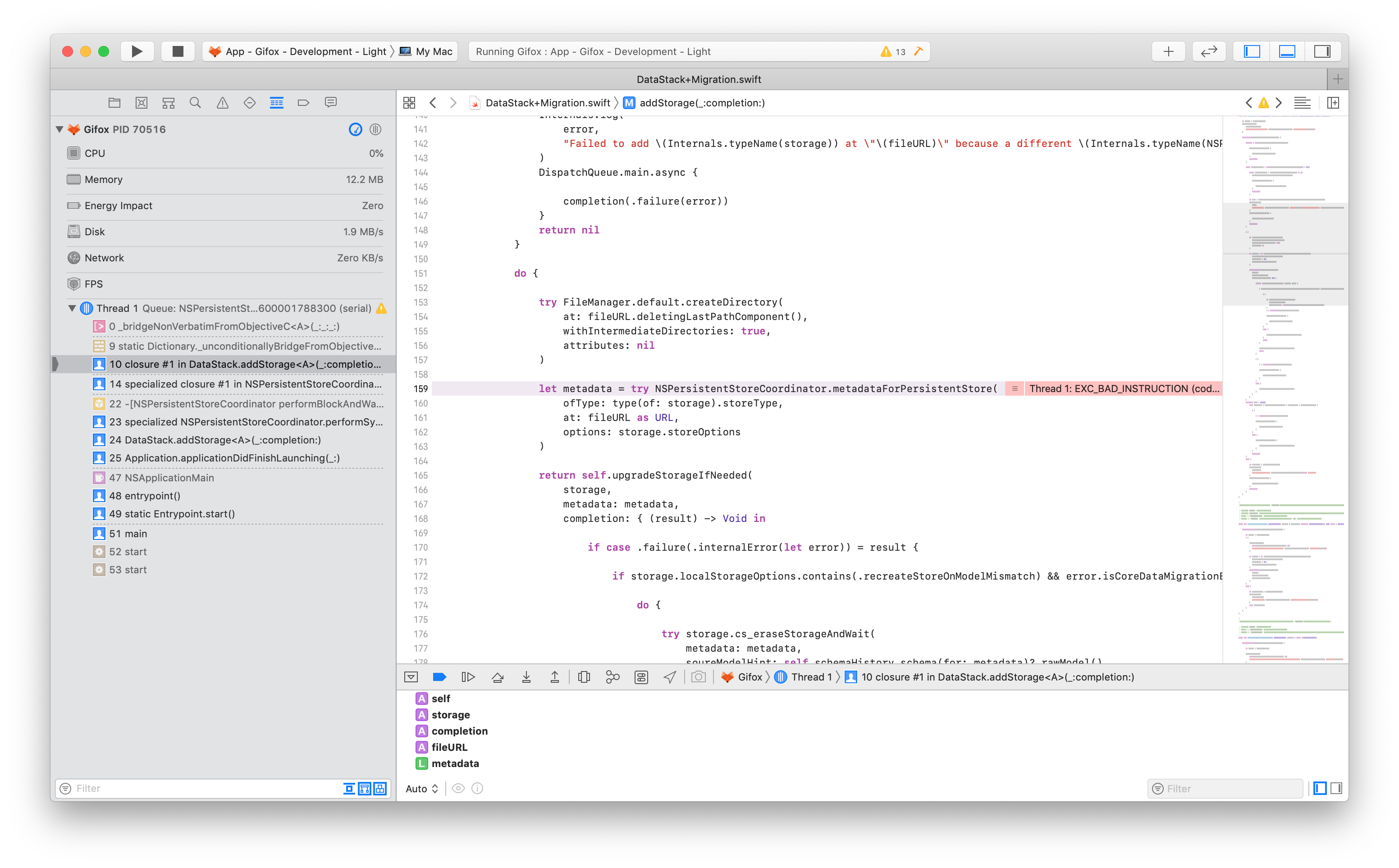
shmandwalfiles being created, but crash when getting the metadata:This doesn't seem like an issue with CoreStore but Core Data itself. However, perhaps one way to solve this would be by passing
integrity_checkinNSSQLitePragmasOption, but that looks like a preconfigured constant with no way of customizing it beyond pre-set values.In second scenario I've replaced the sqlite database file with a random text file. The setup would not crash, but later when setting up a
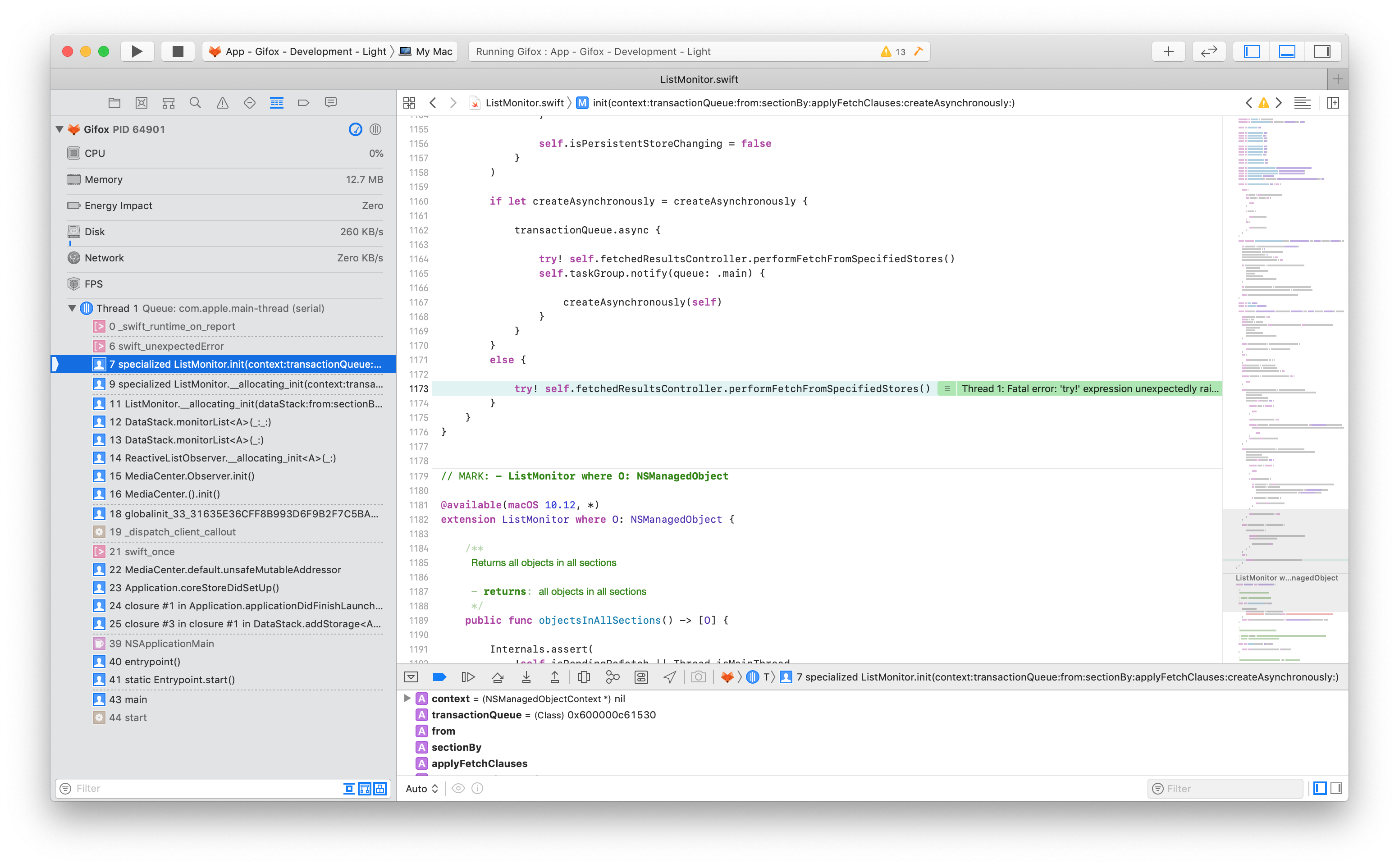
ListMonitorit would crash due to explicit unwrapping:So, is there a way to validate and handle corrupt database? Ideally I'd just replace it with a new one.
@JohnEstropia commented on GitHub (Mar 20, 2020):
I'm curious, aren't these crashes from SQLite itself?
In theory, you could try to fetch any query right after setting up your stack. Other than that, I think this should be reported as a bug on Core Data's side, although I think it is reasonable to let the app crash in this case because trying to recover from unexpected state may introduce security vulnerabilities.
@iby commented on GitHub (Mar 20, 2020):
Probably, though the last frame in the crash points at the Swift bridging function. Either way this isn't CoreStore's problem.
For the first case I tried to include
integrity_checkin a raw Core Data sample app and it also crashed, but with a different error message. Will file a radar for this.For the second case I discovered that
addStoragewould end up failing, which came in unexpected while passing.recreateStoreOnModelMismatch, but thinking about it again that's probably reasonable thing to do. So, I just ended up checking the result and recreating the storage manually, which should handle most cases of corrupt database.