mirror of
https://github.com/AppHouseKitchen/AlDente-Battery_Care_and_Monitoring.git
synced 2026-08-04 19:08:47 +02:00
Version 2.1 doesn't work on Catalina? #109
Assignees
 adam (Adam Melkus)
Clear assignees
adam (Adam Melkus)
No Assignees
Notifications
Due Date
No due date set.
Dependencies
No dependencies set.
Reference: starred/AlDente-Battery_Care_and_Monitoring#109
Reference in New Issue
Block a user
Originally created by @ngocphamm on GitHub (Mar 10, 2021).
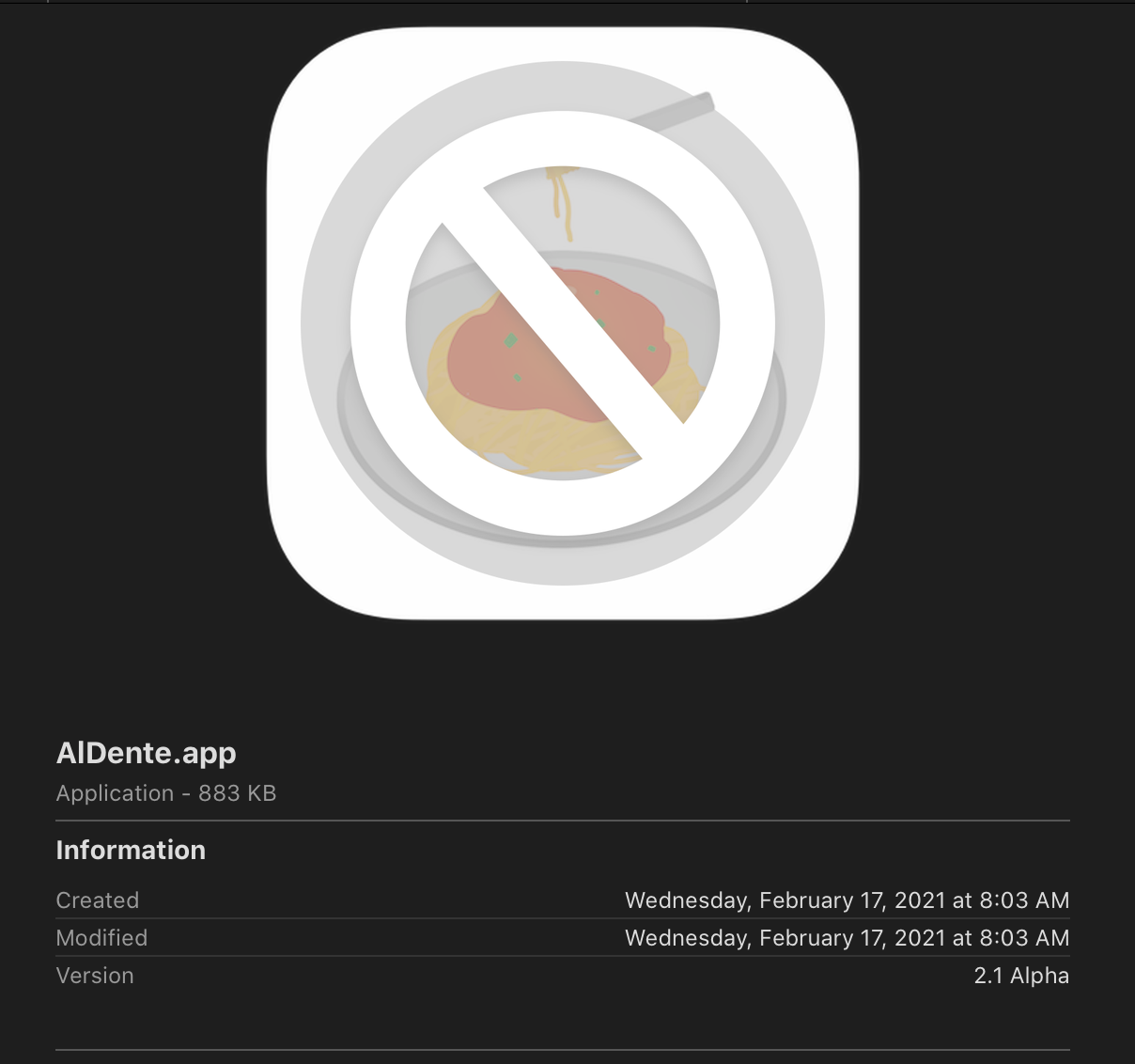
Downloading the version (https://github.com/davidwernhart/AlDente/releases/tag/v2.1) and I see that the icon is grayed out like this.
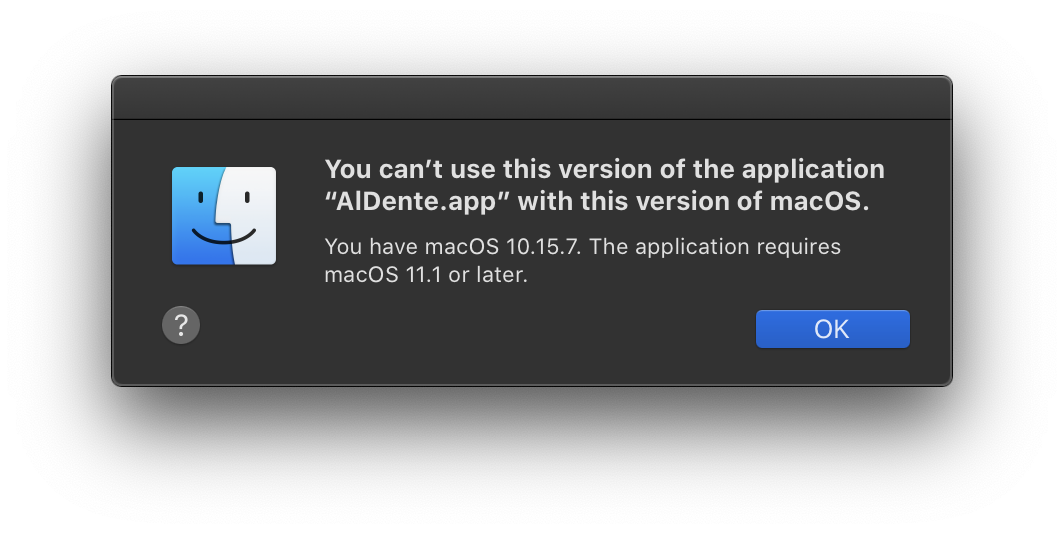
Trying to double click to open it results in this dialog box.
This is just a bit inconvenient, as I installed the app with
brew cask, and now it's saying there's an update available for it. However,brew upgrade(that is supposed to install all available updates) doesn't know that the version is not compatible with my OS version.@MatthiasKerbl commented on GitHub (Mar 10, 2021):
Hi @ngocphamm,
A new version of AlDente with Catalina support was just released.
Best regards,
Matthias
@ngocphamm commented on GitHub (Mar 10, 2021):
Thanks @TheMazus for the quick response to this.
I just tried the new release, and unfortunately it still doesn't work for me 😢
@celsoazevedo commented on GitHub (Mar 10, 2021):
Same here, v2.1.2 doesn't work on Catalina. I'm still using v1.2.
@MatthiasKerbl commented on GitHub (Mar 10, 2021):
Thanks for reporting back, we are looking into it.
@davidwernhart commented on GitHub (Mar 10, 2021):
Hey guys!
I think I made a small error building the current release.
Theoretically, the version attached to this post should run on Catalina.
Can you check if it works for you?
David
AlDente_1.2.1_Catalina.app.zip
@ngocphamm commented on GitHub (Mar 11, 2021):
This app opens for me, and seems to be working! Thank you @davidwernhart
@celsoazevedo commented on GitHub (Mar 11, 2021):
This one opens. It has the new icons (from 2.x, I guess) and appears to work.
@ngocphamm commented on GitHub (Mar 11, 2021):
Update. I don't think the normal mode (new?) of AlDente 2.1.2 works for me (2019 16" MBP). My charging level was 59% with version 1.2. I set it to 70% with 2.1.2 and don't see it charging even after 10 minutes. I also tried restarting.
Once I set to "Use classic SMC Key (Intel)", it starts charging and now stays at 72%.
@celsoazevedo commented on GitHub (Mar 13, 2021):
Using the version David shared above, charging starts/stops with both options for me (also a 2019 MBP 16", running 10.15.7). The default method is more accurate than the "SMC Key" option (behaves like v1.2), but both work.
@ngocphamm commented on GitHub (Mar 13, 2021):
@celsoazevedo is right. It might be something else. I changed AlDente back to use the "normal" mode and it works now (setting at 40%, and it stopped charging just now at 41%).
@celsoazevedo commented on GitHub (Mar 15, 2021):
I don't know if this is a bug or just a limitation of the new mode, but the laptop charges to 100% if I shut it down and start charging. With the Classic SMC Key mode, it stops normally.
I don't mind the inaccuracy of the classic mode, so this doesn't really affect me. Just sharing it here in case no one is aware.